Follow these steps
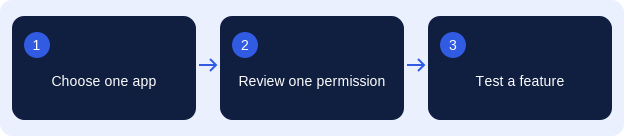
- Choose one app. Open Settings, Apps, then select the app. If it is missing, open the full list.
- Review one permission. Tap Permissions, then choose camera, microphone or location. The choices depend on the app, permission and Android version.
- Test a feature. Use the least access that supports what you need, such as allowing access while using the app where offered. Reopen the feature and confirm it still works.
Check your result
The intended feature works and the app no longer has access beyond what you chose. If an essential feature stops working, revisit only that permission.