Follow these steps
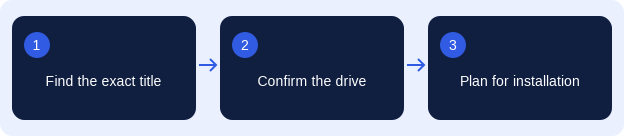
- Find the exact title. Check the official backward-compatibility list using the game title and original generation.
- Confirm the drive. Check that your exact Xbox console has a compatible disc drive. Series S is digital-only.
- Plan for installation. A supported disc can trigger a download and may need to stay inserted during play. Check online features separately.
Check your result
The title is listed, the console has a compatible drive, and you have checked the edition and online features you expect. Ask the seller about actual disc condition before buying.