Follow these steps
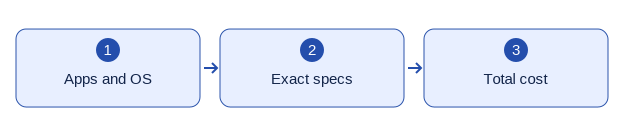
- List your tasks. Write down the apps you will use for school, work, games or creative tasks. Check the app’s supported operating system and hardware requirements.
- Compare configurations. Compare the exact model and the memory, storage, processor and ports in the listing. If you carry it often, include the charger when comparing weight.
- Check the total. Include shipping, tax, required accessories and any support you need. Check warranty, condition and return terms before paying.
Check your result
You have a checklist and know which specifications and costs still need confirmation. If a requirement is missing, compare another configuration or ask the manufacturer before buying.