Follow these steps
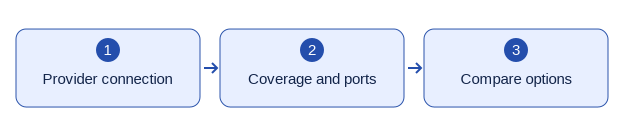
- Check your internet service. Find out what equipment your provider requires. Your modem or optical network terminal may be separate from your router. Ask your provider before replacing a combined gateway.
- Check coverage and ports. Test where reception is weak. Review placement, walls and the number of wired devices. Compare WAN and LAN speeds and the bands your devices can use.
- Compare options. Use manufacturer specifications to compare a single router with a mesh setup. Advertised link rates are different from real speeds. Verify firmware support and the total cost before buying.
Check your result
You have a checklist and know which specifications and costs still need confirmation. If a requirement is missing, compare another configuration or ask the manufacturer before buying.