Follow these steps
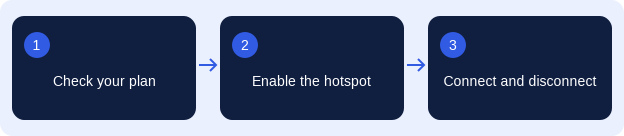
- Check your plan. Confirm cellular data works and your carrier plan supports Personal Hotspot. Hotspot use can count against your data allowance.
- Enable the hotspot. Open Settings and Personal Hotspot, or Cellular then Personal Hotspot. Turn on Allow Others to Join and keep the settings screen open while connecting.
- Connect and disconnect. On the other device, choose the iPhone in Wi-Fi and enter the displayed password. After testing, disconnect and turn off sharing if you no longer need it.
Check your result
The connected device can open a page over the iPhone connection. If the setting is missing, verify carrier entitlement before resetting network settings.