Follow these steps
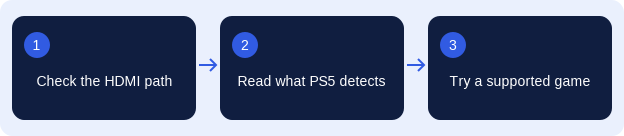
- Check the HDMI path. Connect to a display input documented for the desired mode. If a receiver or switch is in the path, confirm it supports that mode or test directly.
- Read what PS5 detects. Open Settings, Screen and Video, then Video Output. Review Information for the Connected HDMI Device.
- Try a supported game. Enable the appropriate video output setting and open a game that explicitly supports the mode. Check any performance mode in the game itself.
Check your result
Your display and game show the intended supported mode. If output becomes unstable, turn off the feature you just changed or return to the last working setting.