Follow these steps
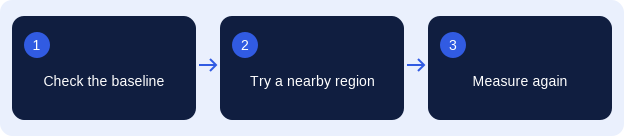
- Check the baseline. Record the displayed download rate. Compare like units and note whether other downloads or devices are using the connection.
- Try a nearby region. Open Steam Settings, then Downloads. Under Download Region, select one nearby region.
- Measure again. Resume the same download and compare a similar time window. Restore your original region if it worked better.
Check your result
You know whether one region helped. If all downloads are slow, test your local connection before replacing hardware.