Follow these steps
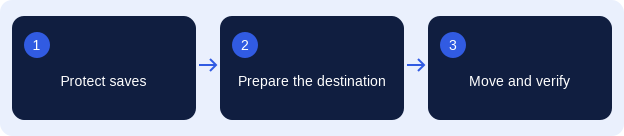
- Protect saves. Exit the game, confirm its sync status and back up important local saves according to publisher instructions.
- Prepare the destination. Open Steam Settings, then Storage. Add a library on the other drive if one is not available and check its space.
- Move and verify. Select the game, choose Move and select the destination. Let the move finish, then launch the game and check your saves.
Check your result
The game launches from the intended library and your progress is intact. If Move is unavailable, check destination space and the game publisher’s guidance before deleting files.