Follow these steps
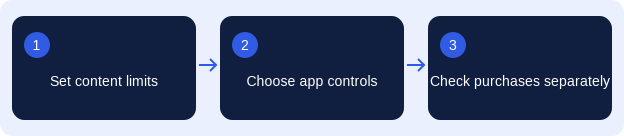
- Set content limits. Review age rating and communication options in Parental Controls.
- Choose app controls. Use the Nintendo Switch Parental Controls app for play-time limits if desired.
- Check purchases separately. Review purchase restrictions in the supervised Nintendo Account. Keep the parent PIN private.
Check your result
Test each intended restriction without making a purchase. Check the current Nintendo instructions for your console generation if a control is missing.