Follow these steps
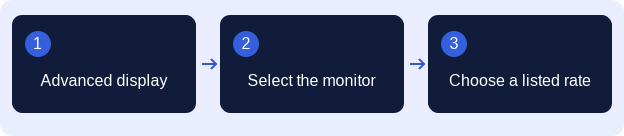
- Advanced display. Go to Settings → System → Display → Advanced display.
- Select the monitor. If more than one display is connected, select the monitor you intend to change.
- Choose a listed rate. Use Choose a refresh rate. Asterisks indicate rates that require a resolution change. Verify the resulting resolution and rate.
Check your result
Advanced display shows your intended monitor and selected rate. If the rate is missing, check the monitor manual and whether the cable and computer output support that rate at your resolution.