Follow these steps
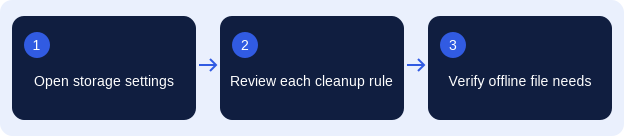
- Open storage settings. Open Settings, System, Storage, then Storage Sense. Microsoft documents it for the Windows system drive.
- Review each cleanup rule. Check the Recycle Bin and Downloads retention choices before enabling automation. Choose Never for Downloads if you want to keep those files.
- Verify offline file needs. Review cloud content settings. Mark required files Always keep on this device where supported, and confirm a backup for anything important.
Check your result
Cleanup is configured only for categories you intend. If you are unsure what something contains, leave automatic cleanup off for that category.