Technology Essentials 100 · Skill 1 · Core Device and System Basics
Power on, lock, sleep, restart and shut down safely.
Beginner · About 5–15 minutes including practice
Read It
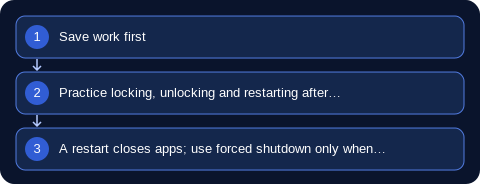
- Windows and macOS. Save work first. On Windows use Start → Power; use Windows+L to lock. On macOS use the Apple menu for sleep, restart or shutdown; Control–Command–Q locks.
- Supported alternatives. On phones and tablets, use the normal power menu for your model. On Face ID iPhone, hold a volume button and the side button until the power slider appears.
- Try it. Practice locking, unlocking and restarting after saving a sample file.
If you get stuck
A restart closes apps; use forced shutdown only when normal controls fail.