Technology Essentials 100 · Skill 2 · Core Device and System Basics
Navigate the desktop, Start menu, Dock or home screen.
Beginner · About 5–15 minutes including practice
Read It
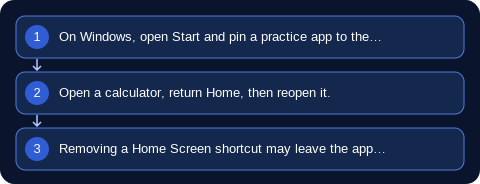
- Windows and macOS. On Windows, open Start and pin a practice app to the taskbar. On Mac, open the app from Spotlight and find it in the Dock.
- Supported alternatives. On iPhone, iPad and Android, use Home and the app list or App Library to find installed apps.
- Try it. Open a calculator, return Home, then reopen it.
If you get stuck
Removing a Home Screen shortcut may leave the app installed.