Technology Essentials 100 · Skill 5 · Core Device and System Basics
Control speaker volume, mute audio and switch sound output devices.
Beginner · About 5–15 minutes including practice
Read It
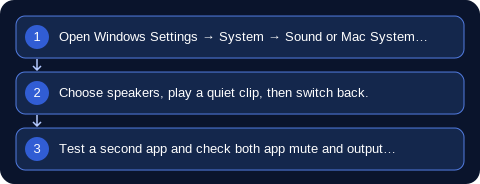
- Windows and macOS. Open Windows Settings → System → Sound or Mac System Settings → Sound. Select the desired output and test at low volume.
- Supported alternatives. Open Control Center on iPhone or iPad or the Android volume panel; media and ringer levels can differ.
- Try it. Choose speakers, play a quiet clip, then switch back.
If you get stuck
Test a second app and check both app mute and output selection.