Technology Essentials 100 · Skill 8 · Core Device and System Basics
Check battery health, power modes and charging habits.
Beginner · About 5–15 minutes including practice
Read It
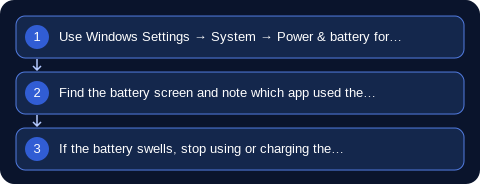
- Windows and macOS. Use Windows Settings → System → Power & battery for usage and modes; on Mac open System Settings → Battery, then check Battery Health where supported.
- Supported alternatives. Search Battery in mobile settings. Battery health details and charging limits vary by model.
- Try it. Find the battery screen and note which app used the most power.
If you get stuck
If the battery swells, stop using or charging the device and seek service.