Technology Essentials 100 · Skill 10 · Core Device and System Basics
Access System Settings or Control Panel to customize preferences.
Beginner · About 5–15 minutes including practice
Read It
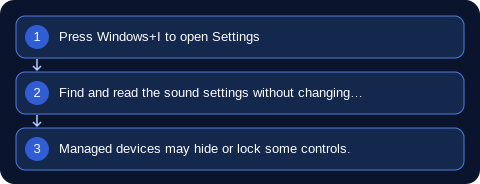
- Windows and macOS. Press Windows+I to open Settings; search Control Panel from Start for a legacy setting. On Mac choose Apple menu → System Settings.
- Supported alternatives. Open Settings on mobile and use its search field.
- Try it. Find and read the sound settings without changing them.
If you get stuck
Managed devices may hide or lock some controls.