Technology Essentials 100 · Skill 13 · Core Device and System Basics
Install and uninstall apps safely from official stores or trusted sources.
Beginner · About 5–15 minutes including practice
Read It
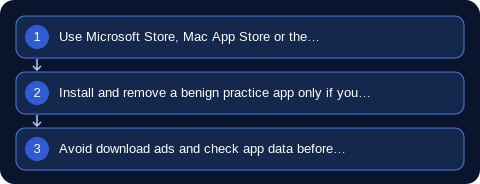
- Windows and macOS. Use Microsoft Store, Mac App Store or the developer’s official download. Remove apps through Windows Settings → Apps or the Mac app’s documented uninstaller.
- Supported alternatives. Use the App Store or Google Play. Long-press an app for system removal options.
- Try it. Install and remove a benign practice app only if you own the device.
If you get stuck
Avoid download ads and check app data before removing an app.