Technology Essentials 100 · Skill 14 · Core Device and System Basics
Force-quit frozen apps and use Task Manager or Activity Monitor.
Beginner · About 5–15 minutes including practice
Read It
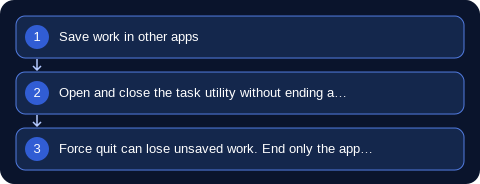
- Windows and macOS. Save work in other apps. Open Windows Task Manager with Ctrl+Shift+Esc; on Mac use Option+Command+Esc or Activity Monitor.
- Supported alternatives. Use the app switcher to close an unresponsive mobile app, then reopen it.
- Try it. Open and close the task utility without ending a process.
If you get stuck
Force quit can lose unsaved work. End only the app you recognize.