Technology Essentials 100 · Skill 15 · Core Device and System Basics
Take screenshots and screen recordings on desktop and mobile.
Beginner · About 5–15 minutes including practice
Read It
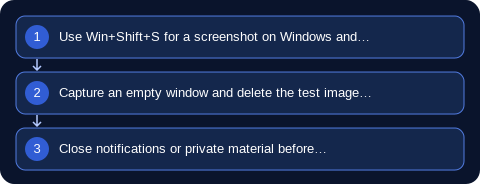
- Windows and macOS. Use Win+Shift+S for a screenshot on Windows and check Snipping Tool for recording. On Mac use Shift+Command+5 for capture or recording.
- Supported alternatives. Use the model’s button combination for screenshots and screen recording from Control Center or Android Quick Settings when available.
- Try it. Capture an empty window and delete the test image afterward.
If you get stuck
Close notifications or private material before recording; some apps block capture.