Technology Essentials 100 · Skill 21 · Typing, Text and File Management
Touch-type comfortably with accuracy and steady speed.
Beginner · About 5–15 minutes including practice
Read It
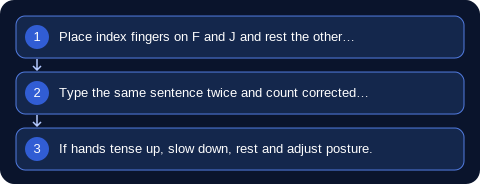
- Windows and macOS. Place index fingers on F and J and rest the other fingers on the home row. Practice slow, accurate words without watching the keys.
- Supported alternatives. An external keyboard can support practice on mobile if the device supports pairing.
- Try it. Type the same sentence twice and count corrected errors before measuring speed.
If you get stuck
If hands tense up, slow down, rest and adjust posture.