Technology Essentials 100 · Skill 23 · Typing, Text and File Management
Select text using mouse clicks, drag gestures and keyboard combinations.
Beginner · About 5–15 minutes including practice
Read It
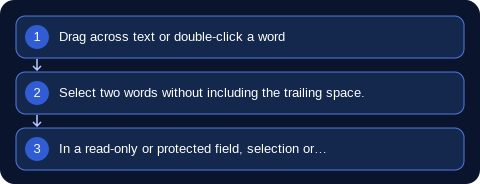
- Windows and macOS. Drag across text or double-click a word. Hold Shift and use arrow keys to extend a selection on Windows or Mac.
- Supported alternatives. Touch and hold a word, then drag the selection handles.
- Try it. Select two words without including the trailing space.
If you get stuck
In a read-only or protected field, selection or copying may be limited.