Technology Essentials 100 · Skill 24 · Typing, Text and File Management
Use mobile keyboards, autocorrect, swipe typing and dictation.
Beginner · About 5–15 minutes including practice
Read It
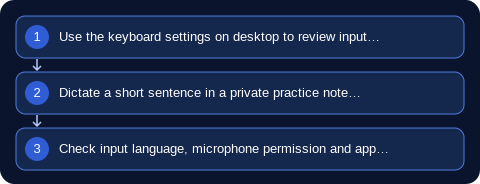
- Windows and macOS. Use the keyboard settings on desktop to review input language and spelling options; voice input requires a supported OS and permission.
- Supported alternatives. Open mobile keyboard settings. Try a swipe word or tap the keyboard microphone and review the result before sending.
- Try it. Dictate a short sentence in a private practice note and correct one word.
If you get stuck
Check input language, microphone permission and app support.