Technology Essentials 100 · Skill 25 · Typing, Text and File Management
Navigate File Explorer, Finder and mobile Files apps.
Beginner · About 5–15 minutes including practice
Read It
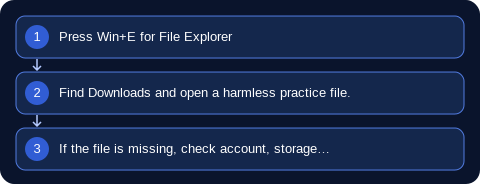
- Windows and macOS. Press Win+E for File Explorer; open Finder from the Dock on Mac. Pick a folder and use the address or path display to stay oriented.
- Supported alternatives. Open Files on iPhone/iPad or your Android file manager; distinguish device storage and cloud providers.
- Try it. Find Downloads and open a harmless practice file.
If you get stuck
If the file is missing, check account, storage location and file name.