Technology Essentials 100 · Skill 26 · Typing, Text and File Management
Create, rename, move, duplicate and delete folders and files.
Beginner · About 5–15 minutes including practice
Read It
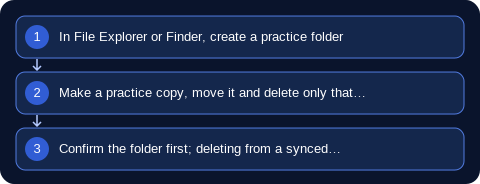
- Windows and macOS. In File Explorer or Finder, create a practice folder. Rename a sample, then copy and paste it and move the copy to the practice folder.
- Supported alternatives. Use the Files app or Android file manager’s context menu; capabilities vary by provider.
- Try it. Make a practice copy, move it and delete only that copy.
If you get stuck
Confirm the folder first; deleting from a synced folder can affect other devices.