Technology Essentials 100 · Skill 31 · Typing, Text and File Management
Compress and extract folders when sharing or archiving.
Beginner · About 5–15 minutes including practice
Read It
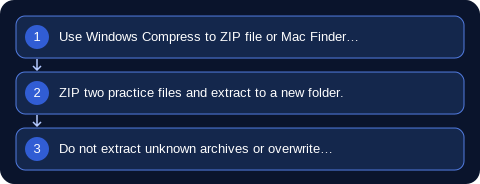
- Windows and macOS. Use Windows Compress to ZIP file or Mac Finder Compress on a practice folder. Extract through the system’s archive controls.
- Supported alternatives. Use Files compression or extraction where supported; Android file manager features vary.
- Try it. ZIP two practice files and extract to a new folder.
If you get stuck
Do not extract unknown archives or overwrite existing files blindly.