Technology Essentials 100 · Skill 36 · Typing, Text and File Management
Back up important data to external drives or the cloud.
Beginner · About 5–15 minutes including practice
Read It
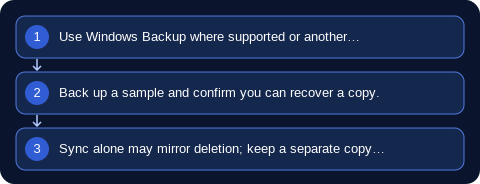
- Windows and macOS. Use Windows Backup where supported or another approved backup method; use Time Machine on Mac. Confirm the destination and what is included.
- Supported alternatives. Review iCloud Backup or Android’s Google backup and its coverage; local export may still matter.
- Try it. Back up a sample and confirm you can recover a copy.
If you get stuck
Sync alone may mirror deletion; keep a separate copy of important files.