Technology Essentials 100 · Skill 41 · Web Browsing and Online Search
Open, close, reopen, pin and organize browser tabs.
Beginner · About 5–15 minutes including practice
Read It
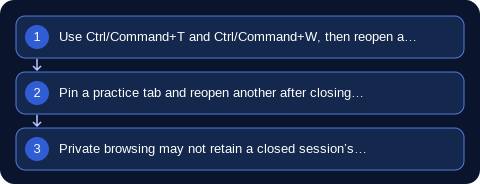
- Windows and macOS. Use Ctrl/Command+T and Ctrl/Command+W, then reopen a closed tab with Ctrl/Command+Shift+T. Use the tab menu to pin.
- Supported alternatives. Use the tab tray on mobile to open, close and group when supported.
- Try it. Pin a practice tab and reopen another after closing it.
If you get stuck
Private browsing may not retain a closed session’s tabs.