Technology Essentials 100 · Skill 42 · Web Browsing and Online Search
Bookmark favorite pages and organize bookmark folders.
Beginner · About 5–15 minutes including practice
Read It
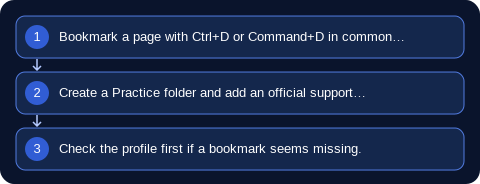
- Windows and macOS. Bookmark a page with Ctrl+D or Command+D in common desktop browsers; choose a folder.
- Supported alternatives. Use the mobile browser’s share or menu controls and check the bookmark location.
- Try it. Create a Practice folder and add an official support page.
If you get stuck
Check the profile first if a bookmark seems missing.