Technology Essentials 100 · Skill 43 · Web Browsing and Online Search
View and clear browsing history, cache and cookies.
Beginner · About 5–15 minutes including practice
Read It
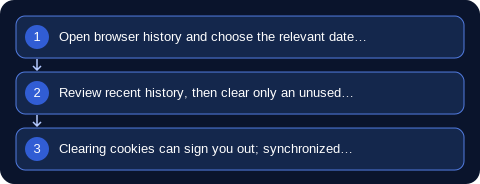
- Windows and macOS. Open browser history and choose the relevant date range and data types. Clear site-specific data if that is enough.
- Supported alternatives. Find browser privacy settings on mobile; options differ by app.
- Try it. Review recent history, then clear only an unused practice site if needed.
If you get stuck
Clearing cookies can sign you out; synchronized history can affect other devices.