Technology Essentials 100 · Skill 44 · Web Browsing and Online Search
Use private or incognito browsing when needed.
Beginner · About 5–15 minutes including practice
Read It
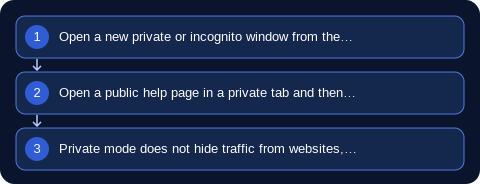
- Windows and macOS. Open a new private or incognito window from the browser menu, then close all private windows after use.
- Supported alternatives. Choose Private or Incognito from the mobile tab switcher.
- Try it. Open a public help page in a private tab and then close it.
If you get stuck
Private mode does not hide traffic from websites, administrators or network providers.