Technology Essentials 100 · Skill 49 · Web Browsing and Online Search
Zoom web page text in and out for easier reading.
Beginner · About 5–15 minutes including practice
Read It
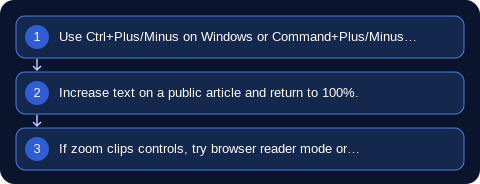
- Windows and macOS. Use Ctrl+Plus/Minus on Windows or Command+Plus/Minus on Mac and reset with Ctrl/Command+0.
- Supported alternatives. Pinch to zoom when supported or use the browser’s text size option.
- Try it. Increase text on a public article and return to 100%.
If you get stuck
If zoom clips controls, try browser reader mode or system text size.