Technology Essentials 100 · Skill 50 · Web Browsing and Online Search
Print web pages cleanly or save articles for offline reading.
Beginner · About 5–15 minutes including practice
Read It
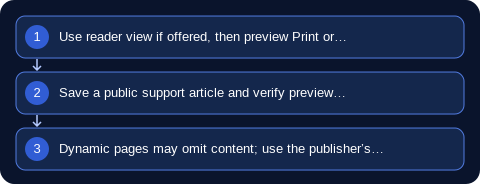
- Windows and macOS. Use reader view if offered, then preview Print or Save as PDF. Keep a descriptive filename.
- Supported alternatives. Use Share, Print or the browser reading list; check whether offline saving is really enabled.
- Try it. Save a public support article and verify preview before printing.
If you get stuck
Dynamic pages may omit content; use the publisher’s offline option if available.