Technology Essentials 100 · Skill 53 · Web Browsing and Online Search
Play, pause, adjust speed and toggle captions on web video and audio.
Beginner · About 5–15 minutes including practice
Read It
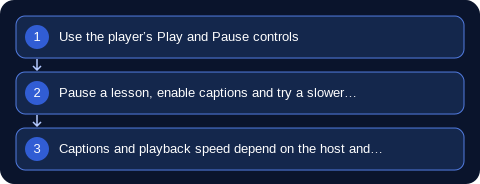
- Windows and macOS. Use the player’s Play and Pause controls; look for Settings, speed and CC. Some players provide keyboard shortcuts when focused.
- Supported alternatives. Tap to reveal player controls and confirm captions in fullscreen if supported.
- Try it. Pause a lesson, enable captions and try a slower speed.
If you get stuck
Captions and playback speed depend on the host and clip.