Technology Essentials 100 · Skill 54 · Web Browsing and Online Search
Switch between mobile websites and desktop views when needed.
Beginner · About 5–15 minutes including practice
Read It
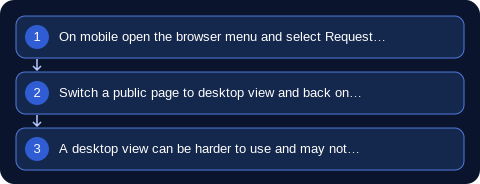
- Windows and macOS. On mobile open the browser menu and select Request Desktop Website or Desktop site. Toggle it off when done.
- Supported alternatives. On desktop resize the window, or use the site’s own mobile option if provided.
- Try it. Switch a public page to desktop view and back on your phone.
If you get stuck
A desktop view can be harder to use and may not expose every desktop-only feature.