Technology Essentials 100 · Skill 61 · Email, Messaging and Video Calls
Set up an email account across desktop and mobile apps.
Beginner · About 5–15 minutes including practice
Read It
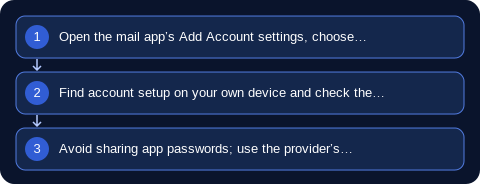
- Windows and macOS. Open the mail app’s Add Account settings, choose your provider and complete its official sign-in. Verify the account address before sending.
- Supported alternatives. Use the official provider app or the mobile system’s mail account settings.
- Try it. Find account setup on your own device and check the displayed address.
If you get stuck
Avoid sharing app passwords; use the provider’s documented sign-in.