Technology Essentials 100 · Skill 64 · Email, Messaging and Video Calls
Attach files and check file size limits before sending.
Beginner · About 5–15 minutes including practice
Read It
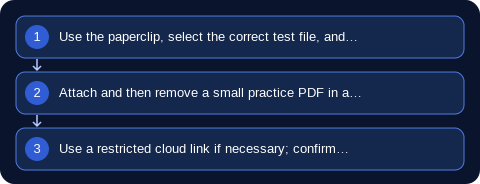
- Windows and macOS. Use the paperclip, select the correct test file, and read the provider’s current size limit before sending.
- Supported alternatives. Use the system file picker and check the attachment thumbnail or name.
- Try it. Attach and then remove a small practice PDF in a draft.
If you get stuck
Use a restricted cloud link if necessary; confirm the receiver can open it.