Technology Essentials 100 · Skill 67 · Email, Messaging and Video Calls
Schedule emails and undo sending within supported grace periods.
Beginner · About 5–15 minutes including practice
Read It
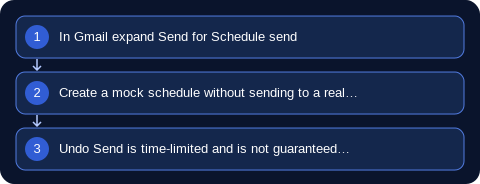
- Windows and macOS. In Gmail expand Send for Schedule send. Use the Undo prompt promptly after a controlled send; adjust the cancellation period in settings if supported.
- Supported alternatives. Use the mobile compose menu for scheduling and check the time zone.
- Try it. Create a mock schedule without sending to a real recipient.
If you get stuck
Undo Send is time-limited and is not guaranteed recall after delivery.