Technology Essentials 100 · Skill 69 · Email, Messaging and Video Calls
Send text messages, voice notes, photos and reactions.
Beginner · About 5–15 minutes including practice
Read It
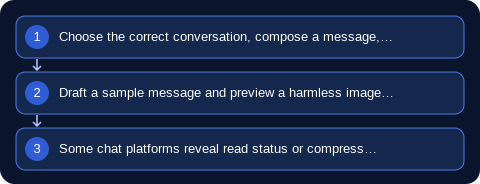
- Windows and macOS. Choose the correct conversation, compose a message, then use media or reaction controls where supported.
- Supported alternatives. Use Messages or a trusted chat app; check whether recording starts immediately before sending a voice note.
- Try it. Draft a sample message and preview a harmless image without sending.
If you get stuck
Some chat platforms reveal read status or compress media.