Technology Essentials 100 · Skill 71 · Email, Messaging and Video Calls
Add, edit and organize contacts.
Beginner · About 5–15 minutes including practice
Read It
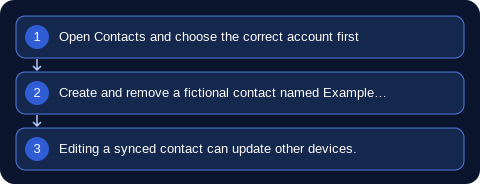
- Windows and macOS. Open Contacts and choose the correct account first. Create or edit a contact and check the saved card.
- Supported alternatives. Use the mobile Contacts app; choose local or cloud storage if offered.
- Try it. Create and remove a fictional contact named Example Person.
If you get stuck
Editing a synced contact can update other devices.