Technology Essentials 100 · Skill 72 · Email, Messaging and Video Calls
Create and update calendar events, locations and invitations.
Beginner · About 5–15 minutes including practice
Read It
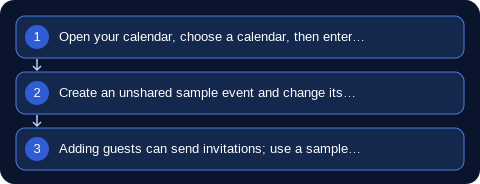
- Windows and macOS. Open your calendar, choose a calendar, then enter title, date, time, location and guest list. Review time zones before inviting.
- Supported alternatives. Use the calendar app and verify the selected account and calendar.
- Try it. Create an unshared sample event and change its location.
If you get stuck
Adding guests can send invitations; use a sample with no real guests.