Technology Essentials 100 · Skill 75 · Email, Messaging and Video Calls
Mute and unmute microphones and enable or disable cameras.
Beginner · About 5–15 minutes including practice
Read It
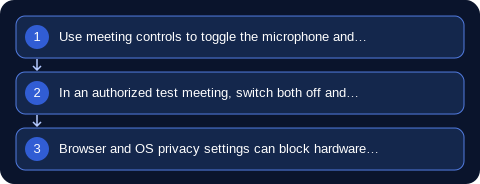
- Windows and macOS. Use meeting controls to toggle the microphone and camera. Confirm icon and preview state before speaking or being seen.
- Supported alternatives. Tap once to reveal controls in a mobile call; icons differ by app.
- Try it. In an authorized test meeting, switch both off and confirm the indicators.
If you get stuck
Browser and OS privacy settings can block hardware even when the app is unmuted.