Technology Essentials 100 · Skill 77 · Email, Messaging and Video Calls
Share screens, windows or browser tabs during video calls.
Beginner · About 5–15 minutes including practice
Read It
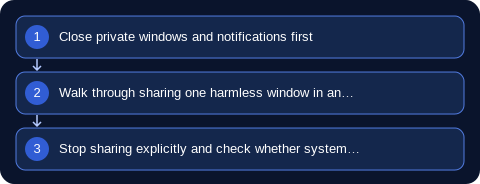
- Windows and macOS. Close private windows and notifications first. Choose a specific window or tab where available, and verify what viewers will see.
- Supported alternatives. Mobile sharing may show the whole screen; switch on privacy controls beforehand.
- Try it. Walk through sharing one harmless window in an authorized test room.
If you get stuck
Stop sharing explicitly and check whether system audio was included.