Technology Essentials 100 · Skill 78 · Email, Messaging and Video Calls
Use meeting chat, hand-raise, reactions and background blur.
Beginner · About 5–15 minutes including practice
Read It
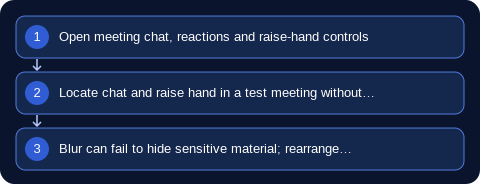
- Windows and macOS. Open meeting chat, reactions and raise-hand controls; choose backgrounds or blur only if your device supports them.
- Supported alternatives. Tap the mobile meeting toolbar or More menu; tools vary with account and host settings.
- Try it. Locate chat and raise hand in a test meeting without sending private information.
If you get stuck
Blur can fail to hide sensitive material; rearrange the room if needed.