Technology Essentials 100 · Skill 86 · Productivity, Media and Everyday Security
Crop, rotate, resize and adjust photo brightness and contrast.
Beginner · About 5–15 minutes including practice
Read It
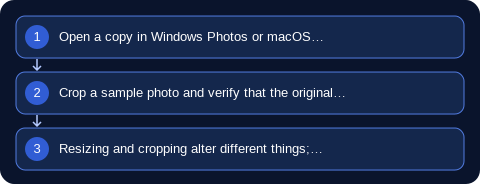
- Windows and macOS. Open a copy in Windows Photos or macOS Photos/Preview as applicable. Crop, rotate, then use available exposure settings and export a copy.
- Supported alternatives. Use Photos or Google Photos editing controls, which vary with version.
- Try it. Crop a sample photo and verify that the original remains available.
If you get stuck
Resizing and cropping alter different things; inspect output dimensions before sharing.