Technology Essentials 100 · Skill 95 · Productivity, Media and Everyday Security
Lock devices using strong passcodes, PINs or biometric authentication.
Beginner · About 5–15 minutes including practice
Read It
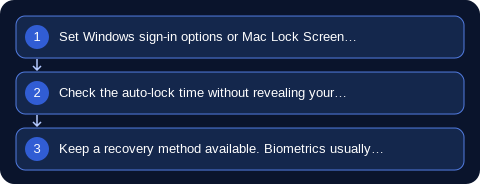
- Windows and macOS. Set Windows sign-in options or Mac Lock Screen settings and add supported biometrics where appropriate.
- Supported alternatives. Use Settings to set a strong passcode or PIN; biometric options depend on hardware and policy.
- Try it. Check the auto-lock time without revealing your passcode.
If you get stuck
Keep a recovery method available. Biometrics usually have a passcode fallback.