Technology Essentials 100 · Skill 99 · Productivity, Media and Everyday Security
Run built-in security scans and maintain active security protections.
Beginner · About 5–15 minutes including practice
Read It
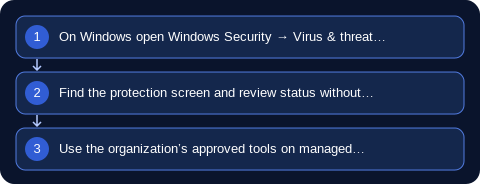
- Windows and macOS. On Windows open Windows Security → Virus & threat protection → Quick scan. macOS uses built-in protection and system updates; it has no matching manual XProtect scan button.
- Supported alternatives. Use Google Play Protect where supported. Keep Apple devices updated and avoid apps claiming arbitrary full-system malware scans.
- Try it. Find the protection screen and review status without turning anything off.
If you get stuck
Use the organization’s approved tools on managed devices; do not install scareware.