Technology Essentials 100 · Skill 3 · Core Device and System Basics
Open, resize, minimize, tile and switch between windows or apps.
Beginner · About 5–15 minutes including practice
Read It
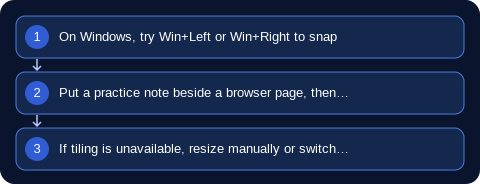
- Windows and macOS. On Windows, try Win+Left or Win+Right to snap. On Mac, hover over the green window button and choose a tile option supported by your macOS version.
- Supported alternatives. On iPad, check the windowing controls available for your model and version; Android split screen varies by device. iPhone uses the app switcher.
- Try it. Put a practice note beside a browser page, then restore its original size.
If you get stuck
If tiling is unavailable, resize manually or switch apps.