Technology Essentials 100 · Skill 4 · Core Device and System Basics
Adjust display brightness, resolution, night shift, dark mode and scaling.
Beginner · About 5–15 minutes including practice
Read It
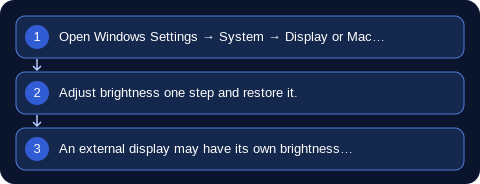
- Windows and macOS. Open Windows Settings → System → Display or Mac System Settings → Displays. Keep the recommended resolution, then tune scaling and brightness. Find dark mode under personalization or appearance.
- Supported alternatives. On iPhone and iPad, use Display & Brightness. In Android Settings, search Display; labels vary.
- Try it. Adjust brightness one step and restore it.
If you get stuck
An external display may have its own brightness buttons.