Technology Essentials 100 · Skill 7 · Core Device and System Basics
Pair Bluetooth headphones, mice, keyboards and other accessories.
Beginner · About 5–15 minutes including practice
Read It
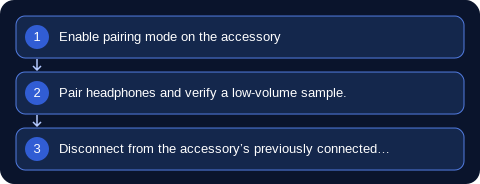
- Windows and macOS. Enable pairing mode on the accessory. On Windows open Settings → Bluetooth & devices; on Mac open System Settings → Bluetooth.
- Supported alternatives. Open Bluetooth settings on iPhone/iPad; on Android check Connected devices or Bluetooth.
- Try it. Pair headphones and verify a low-volume sample.
If you get stuck
Disconnect from the accessory’s previously connected device if it does not appear.