Technology Essentials 100 · Skill 12 · Core Device and System Basics
Install system updates and reboot when prompted.
Beginner · About 5–15 minutes including practice
Read It
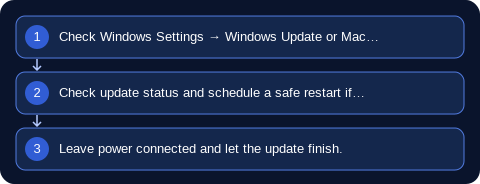
- Windows and macOS. Check Windows Settings → Windows Update or Mac System Settings → General → Software Update. Save work and connect to power before restarting.
- Supported alternatives. Use Settings → General → Software Update on iPhone/iPad. On Android search for system update; names vary.
- Try it. Check update status and schedule a safe restart if needed.
If you get stuck
Leave power connected and let the update finish.